


Your shelf, beautifully kept.
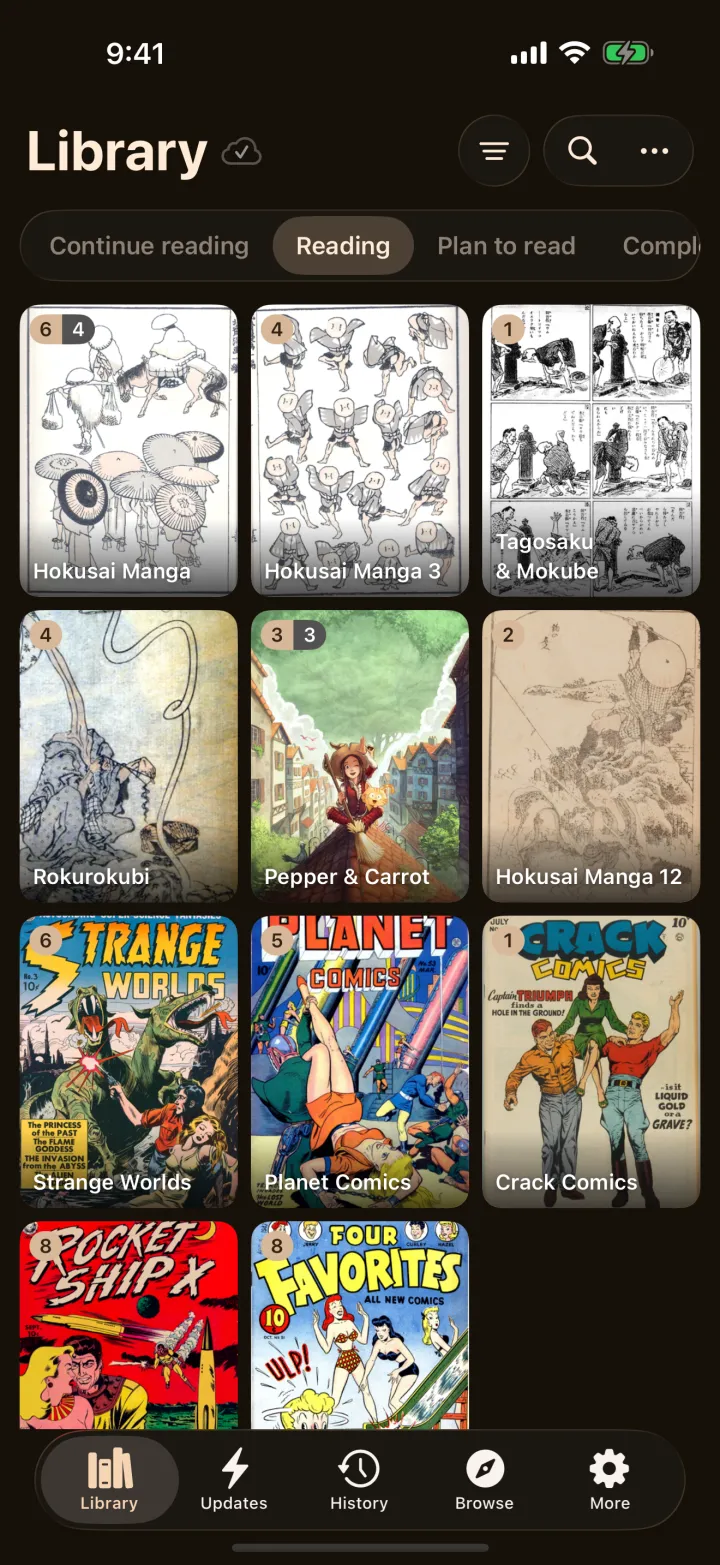
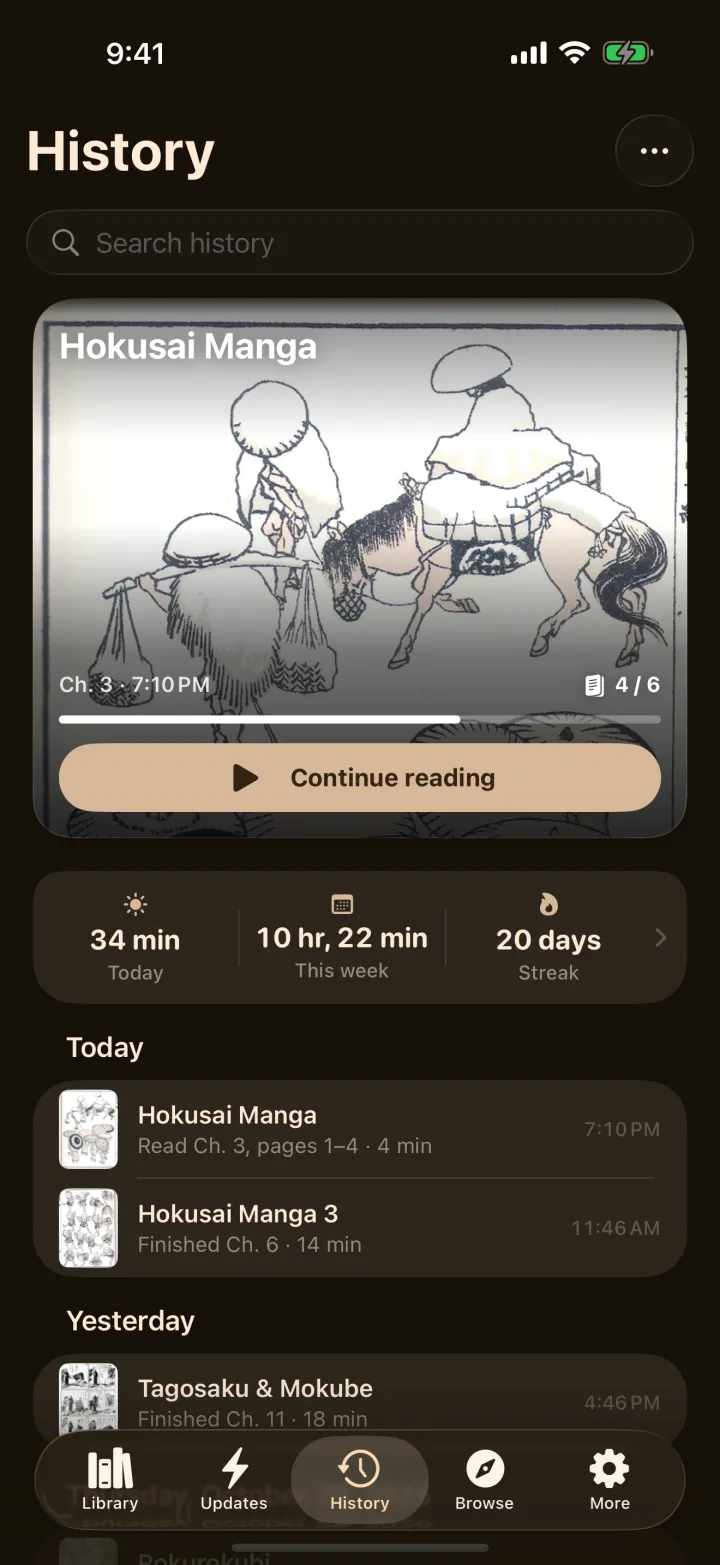
Covers first. Sort and group the way you shelve real books, jump to Continue reading with one tap, and see unread counts without opening anything.
ボクミ · for iPhone & iPad
Bokumi is a cozy manga reader for iPhone and iPad, built around the page. Turns that curl like paper, right-to-left done properly, 42 themes, and a library that follows you from device to device.
iOS 18 or later · Reading is free · Android: Coming soon
The reader
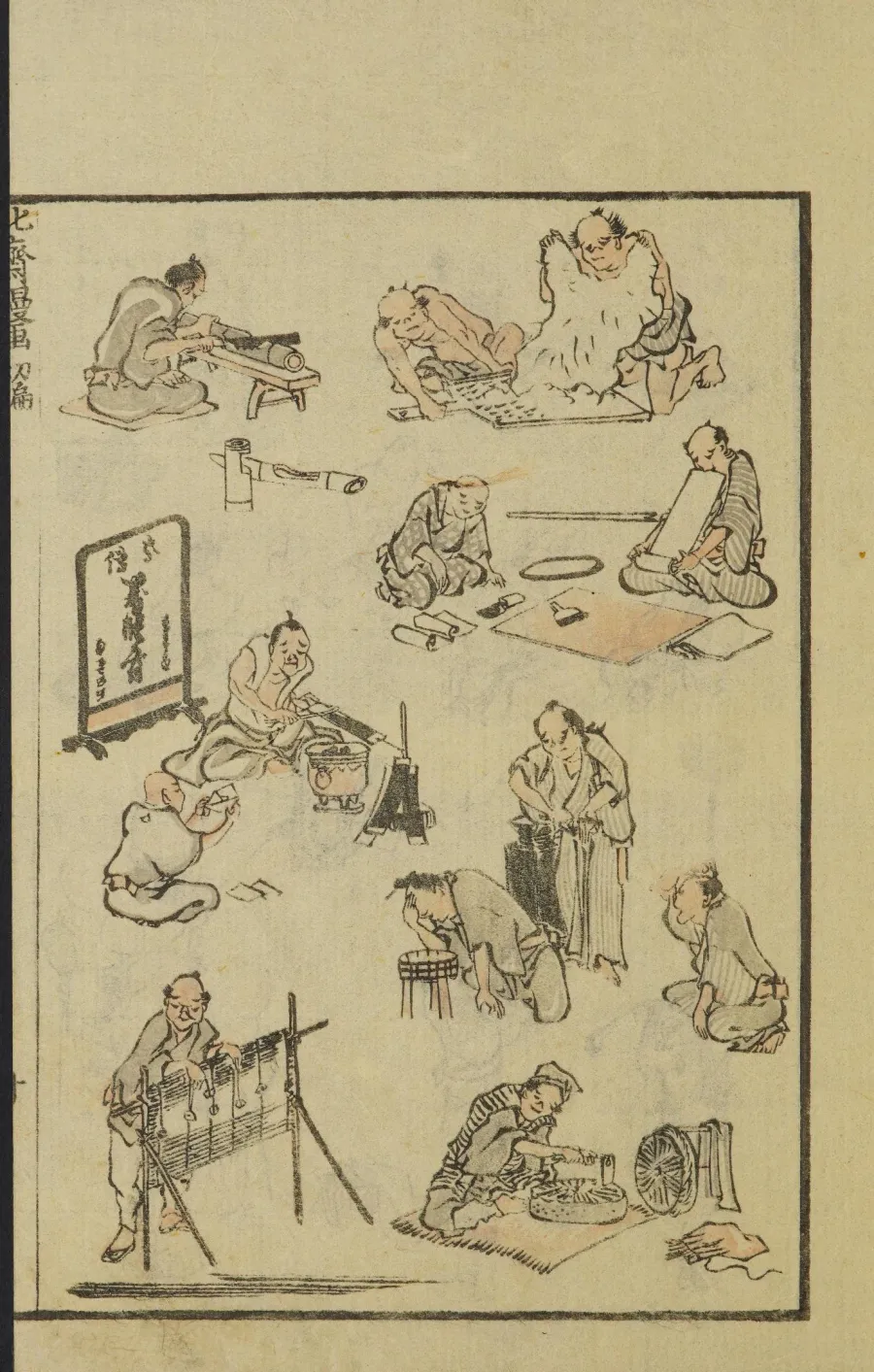
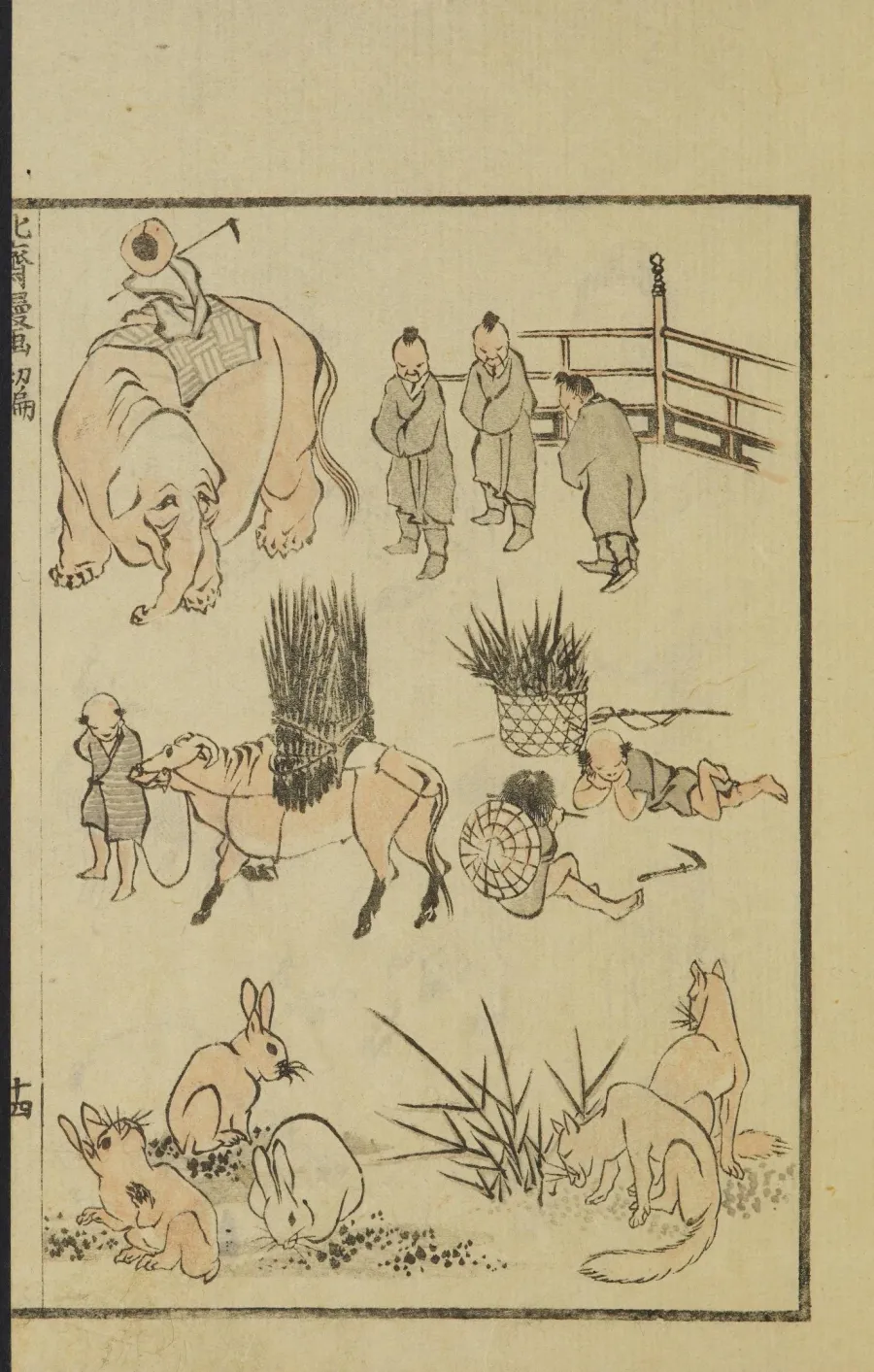
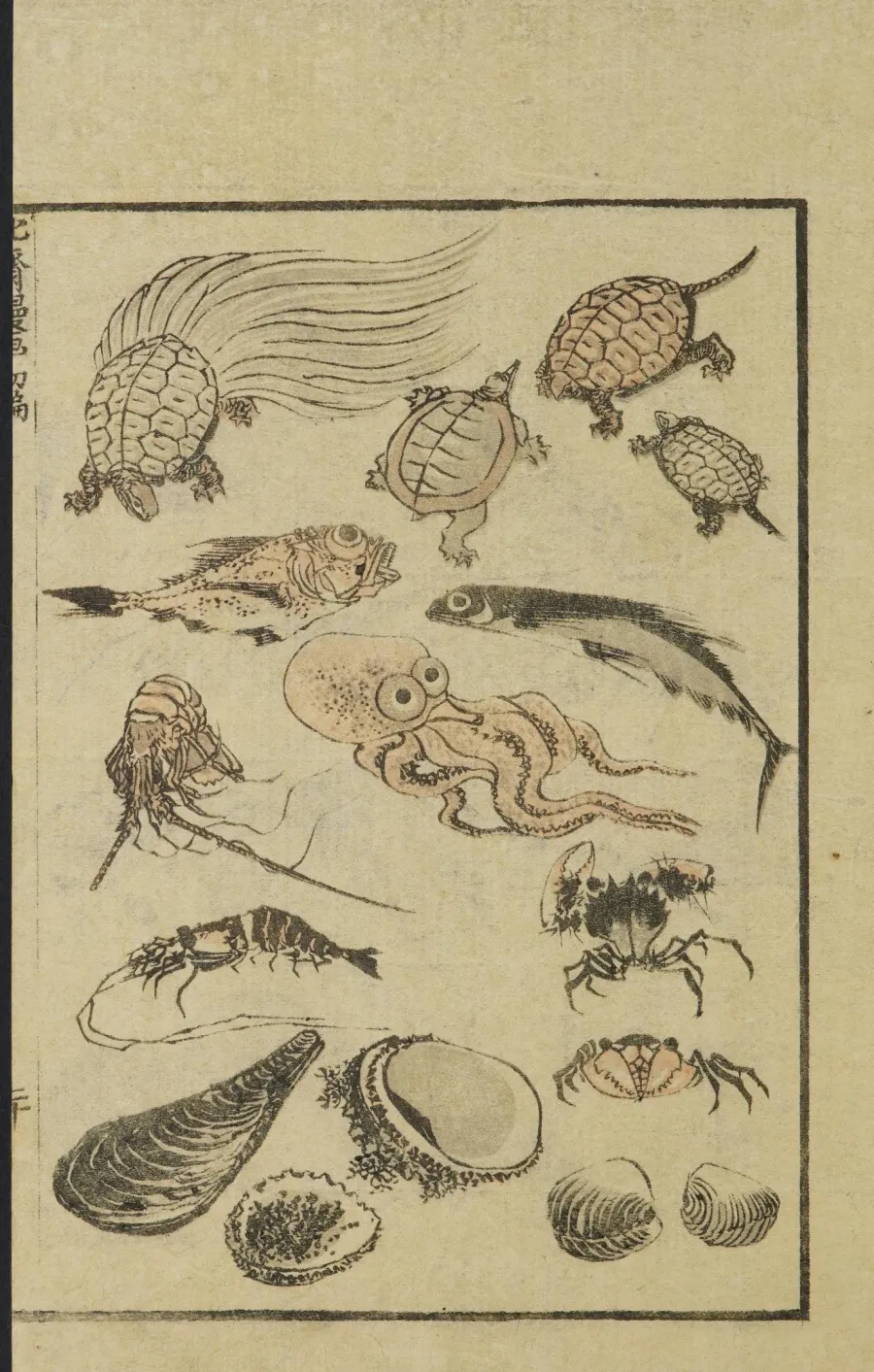
Manga turns from the right, so Bokumi does too. Swipe and the page lifts, curls and settles. On iPad and in landscape you get the whole open spread, spine and all.
Hokusai Manga, vol. 1 (1814). Public domain, via the Internet Archive.
Everything in its place
Covers first. Sort and group the way you shelve real books, jump to Continue reading with one tap, and see unread counts without opening anything.
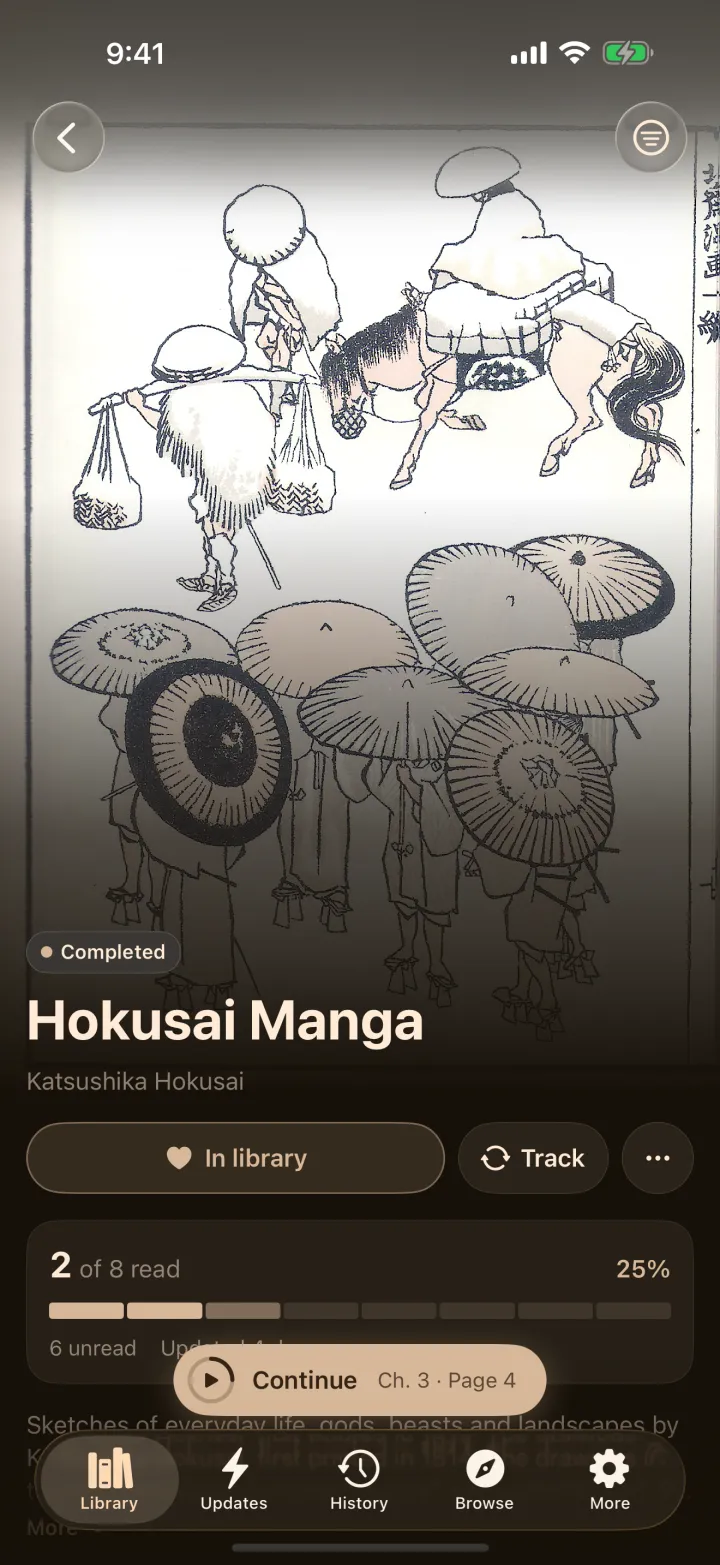
A full-bleed poster, your progress, and a Continue button that opens the book straight away. Chapters stay out of your way until you want them.
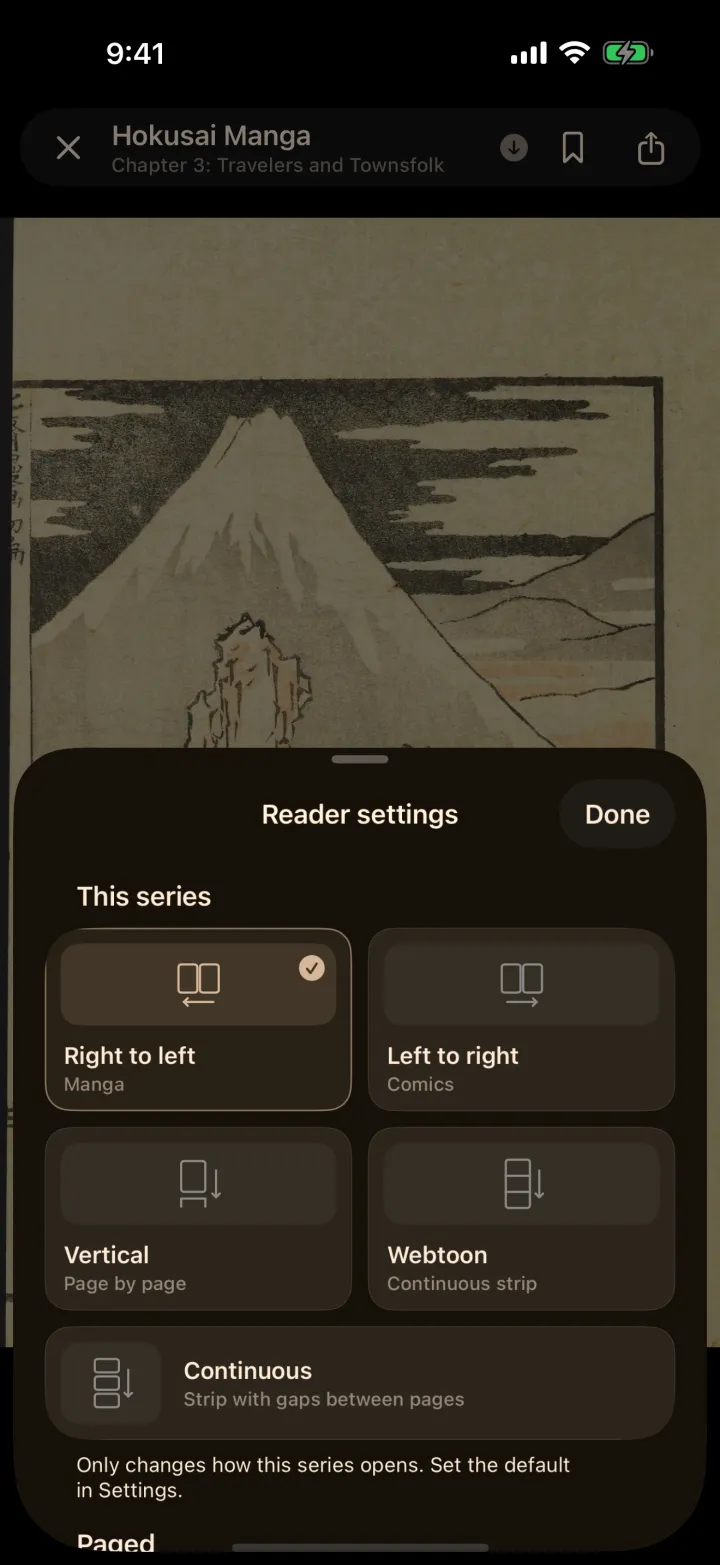
Fit the page to the screen, the width or the height. Choose your tap zones, your page transition and your reading mode, for the whole app or for a single series.
A history that remembers the exact page, a Continue reading shelf at the top of your library, and progress that keeps up across your devices.

Webtoon & long strips
Long strips open in webtoon mode by themselves. Set the side padding, turn on auto-scroll, and let the chapter run into the next without a seam.
Make it yours
Six collections that each tint the whole app differently, from dusty Soft and deep Night to Ink & Paper. Light and dark, tinted text, pure black for OLED. Pick one and the reader follows.
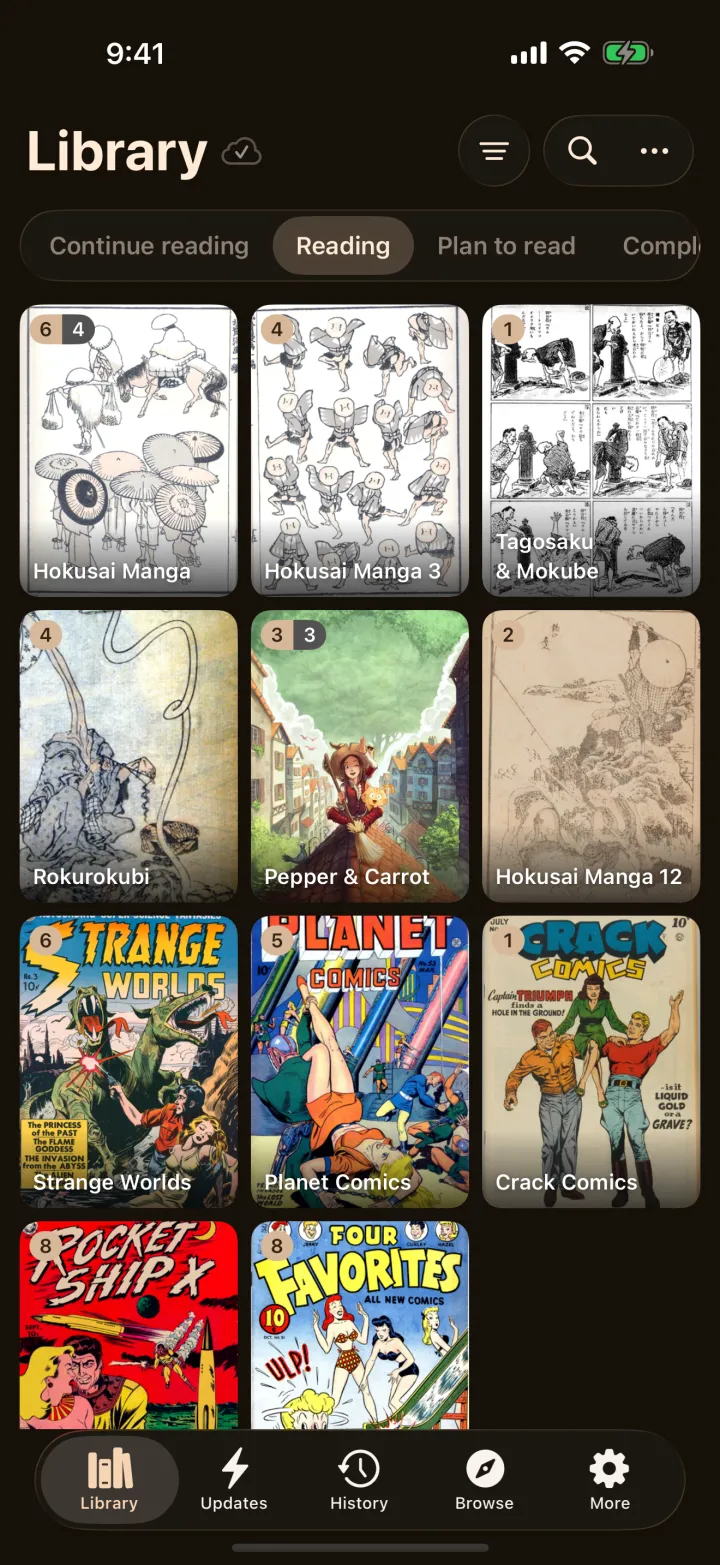
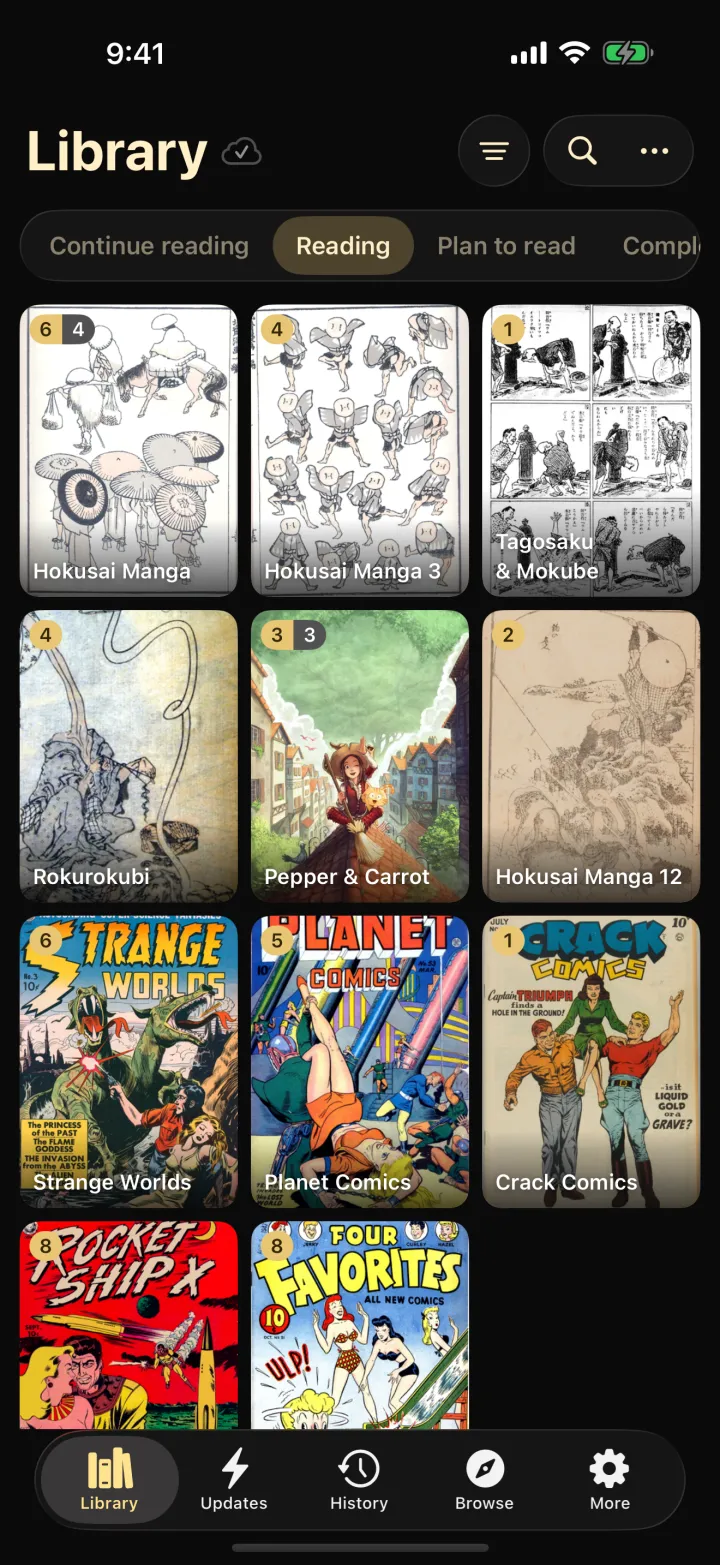
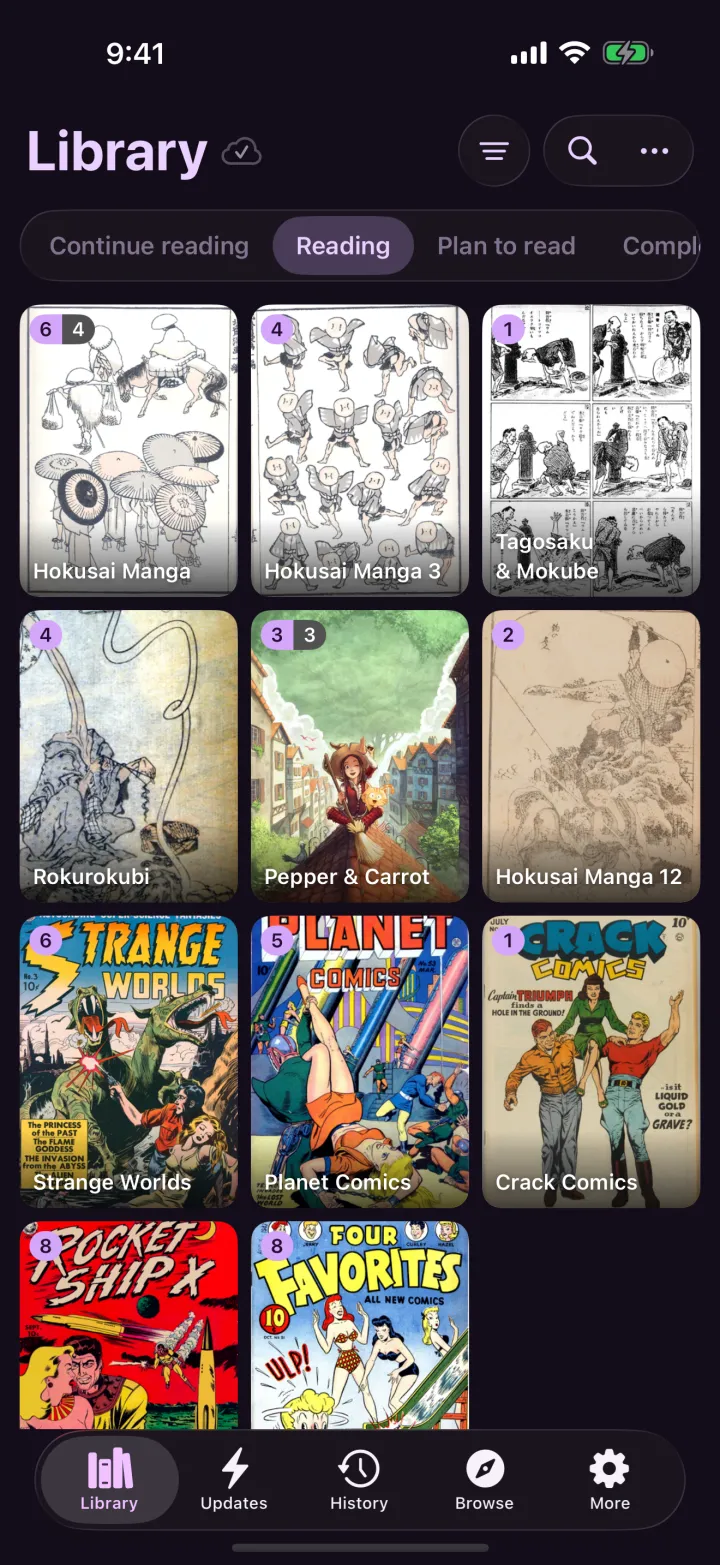
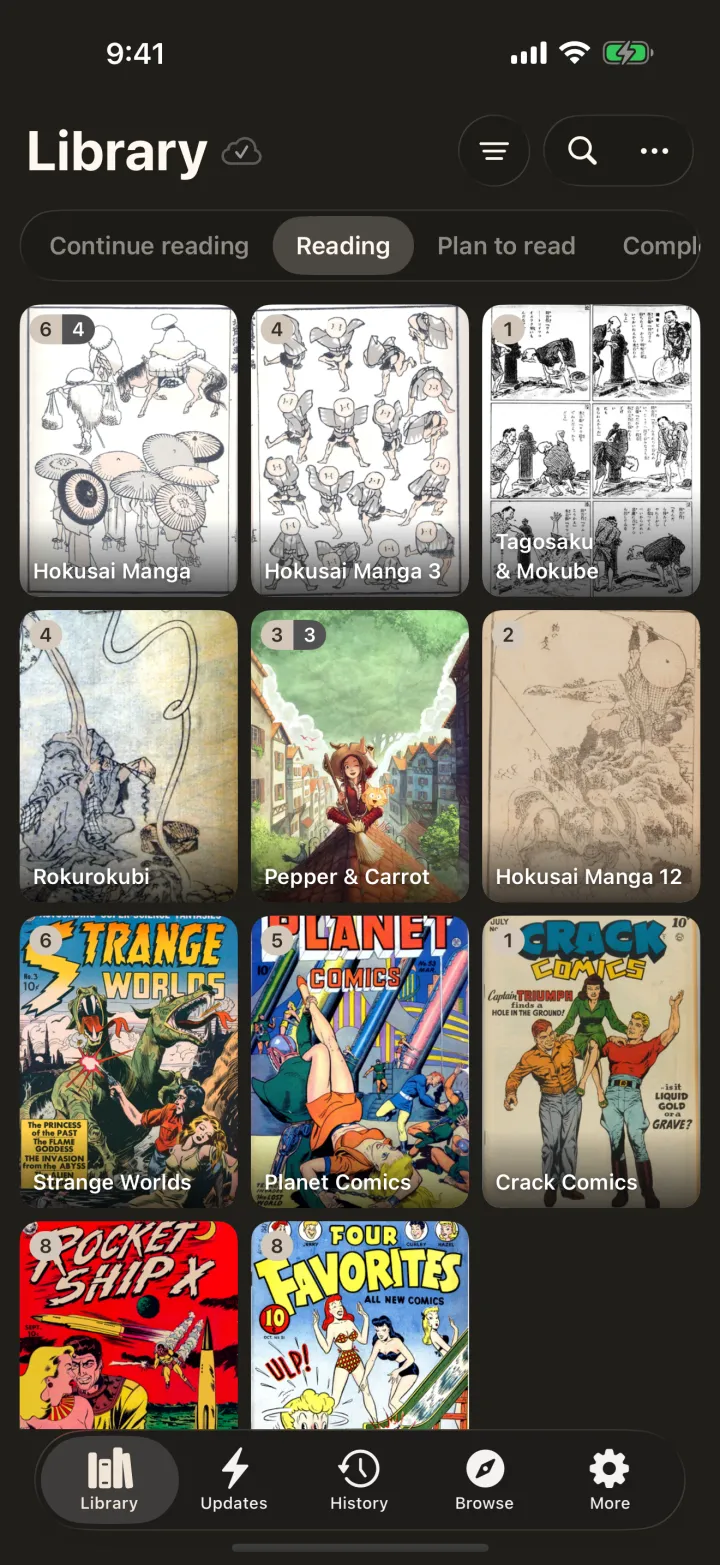
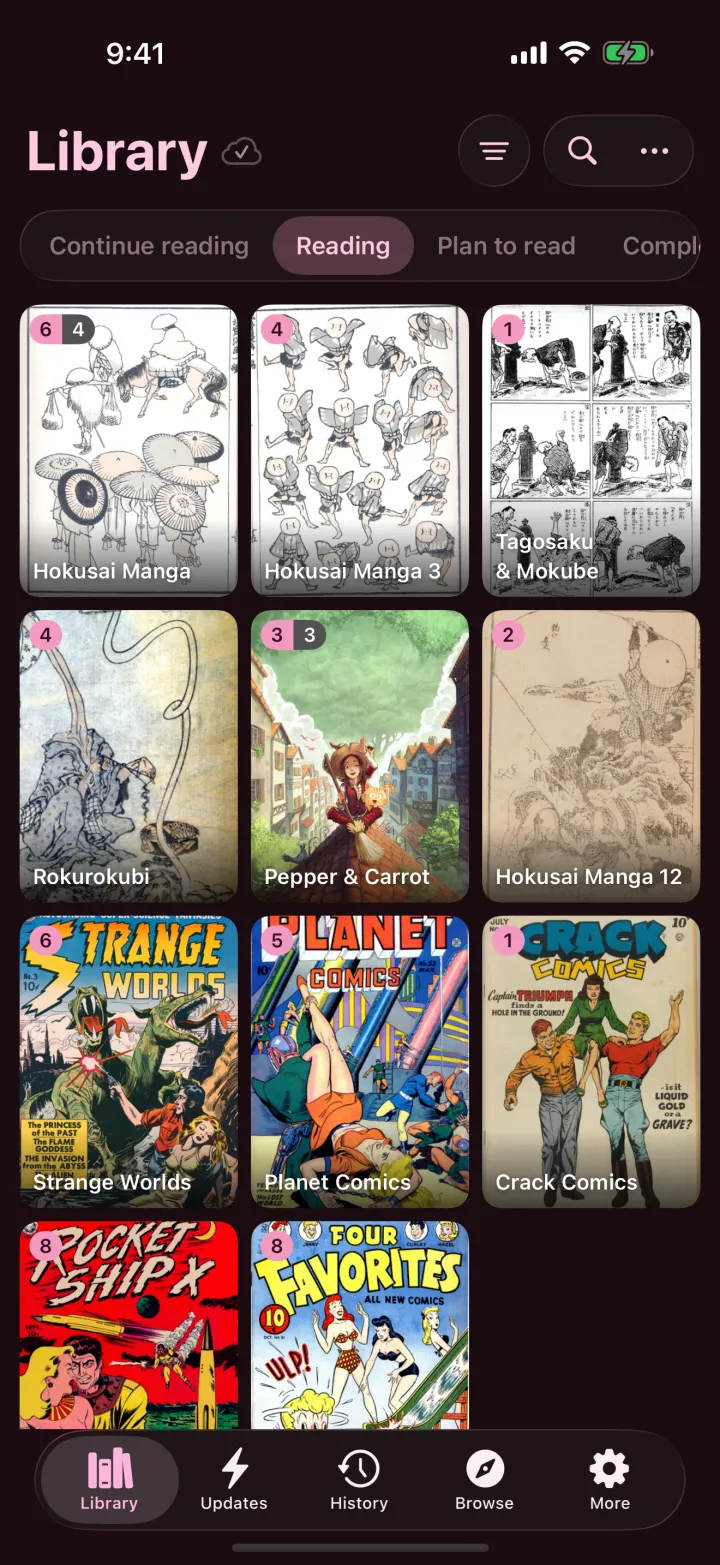
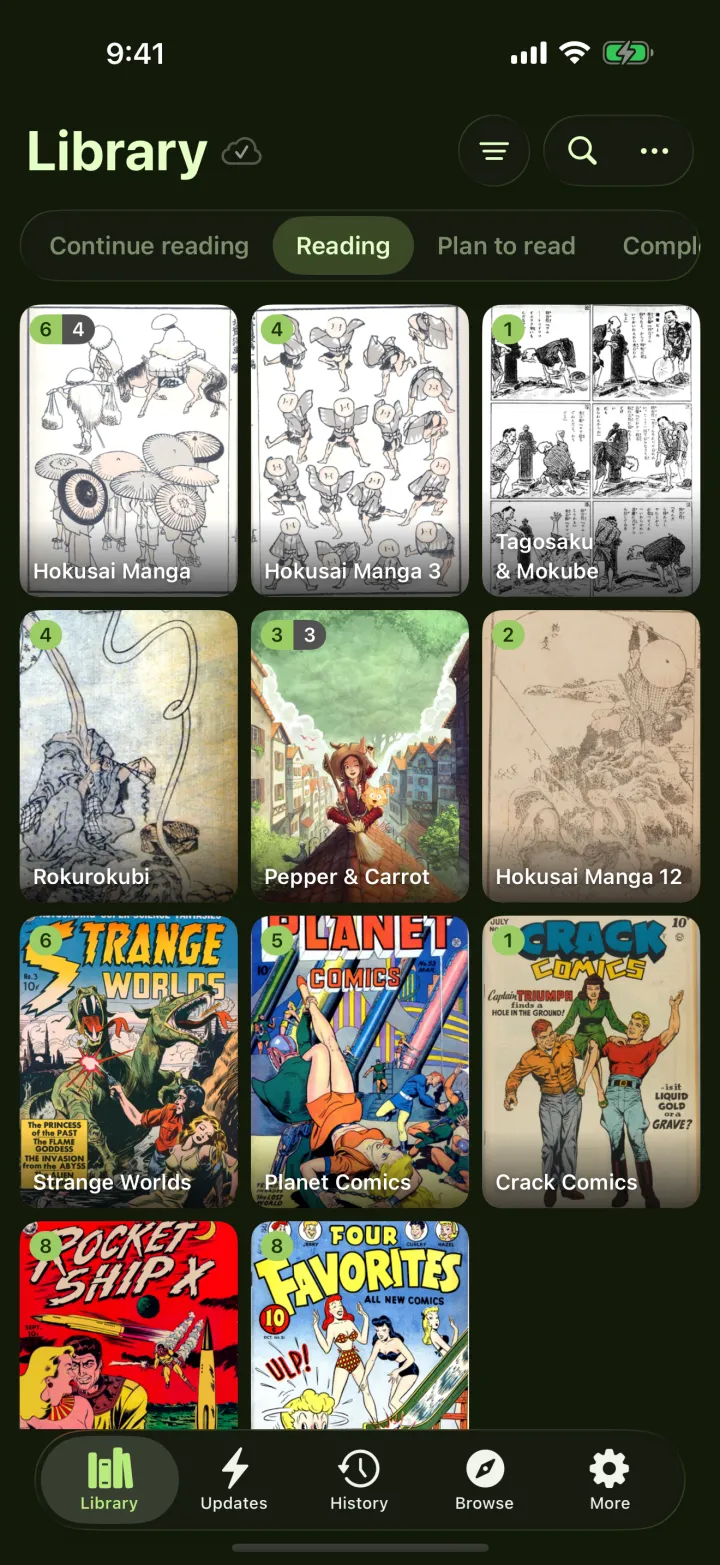
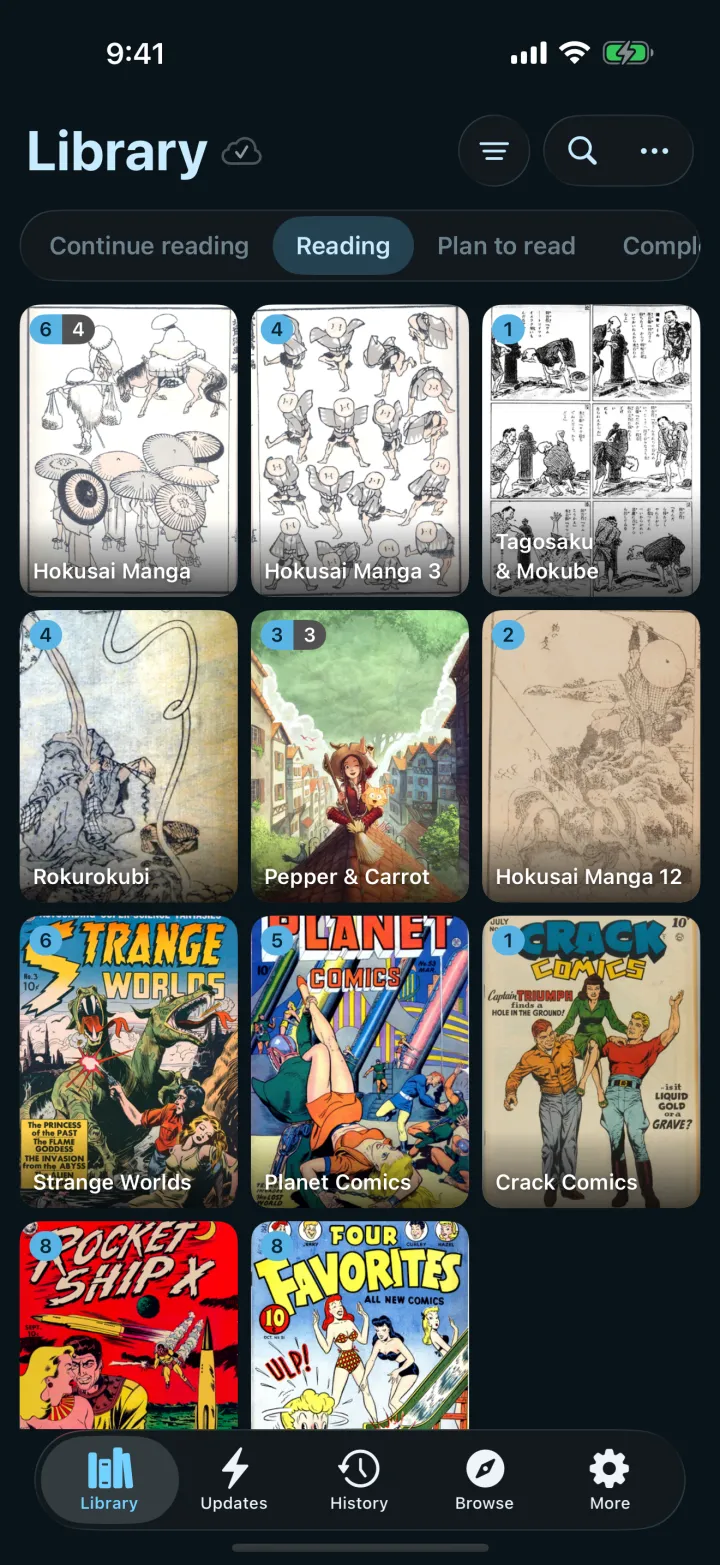
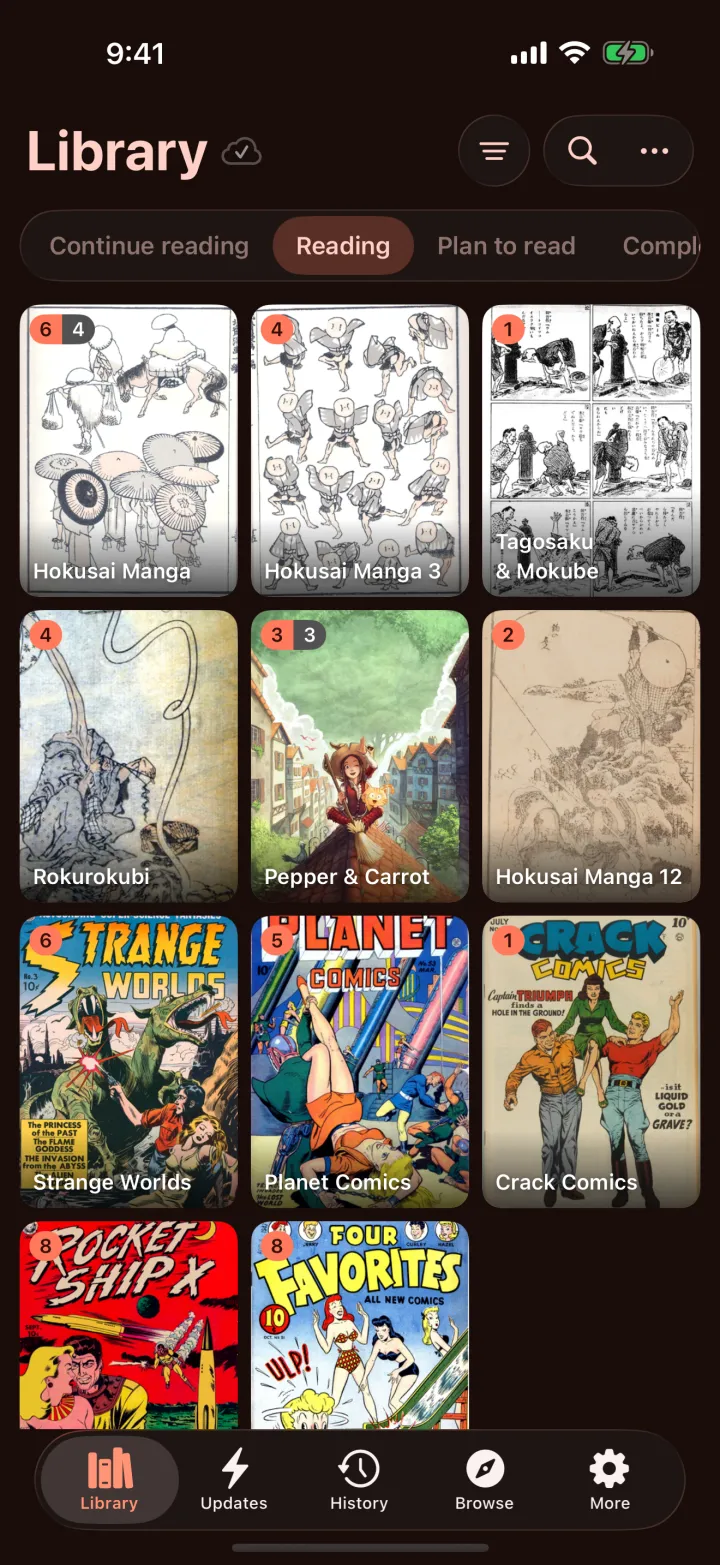
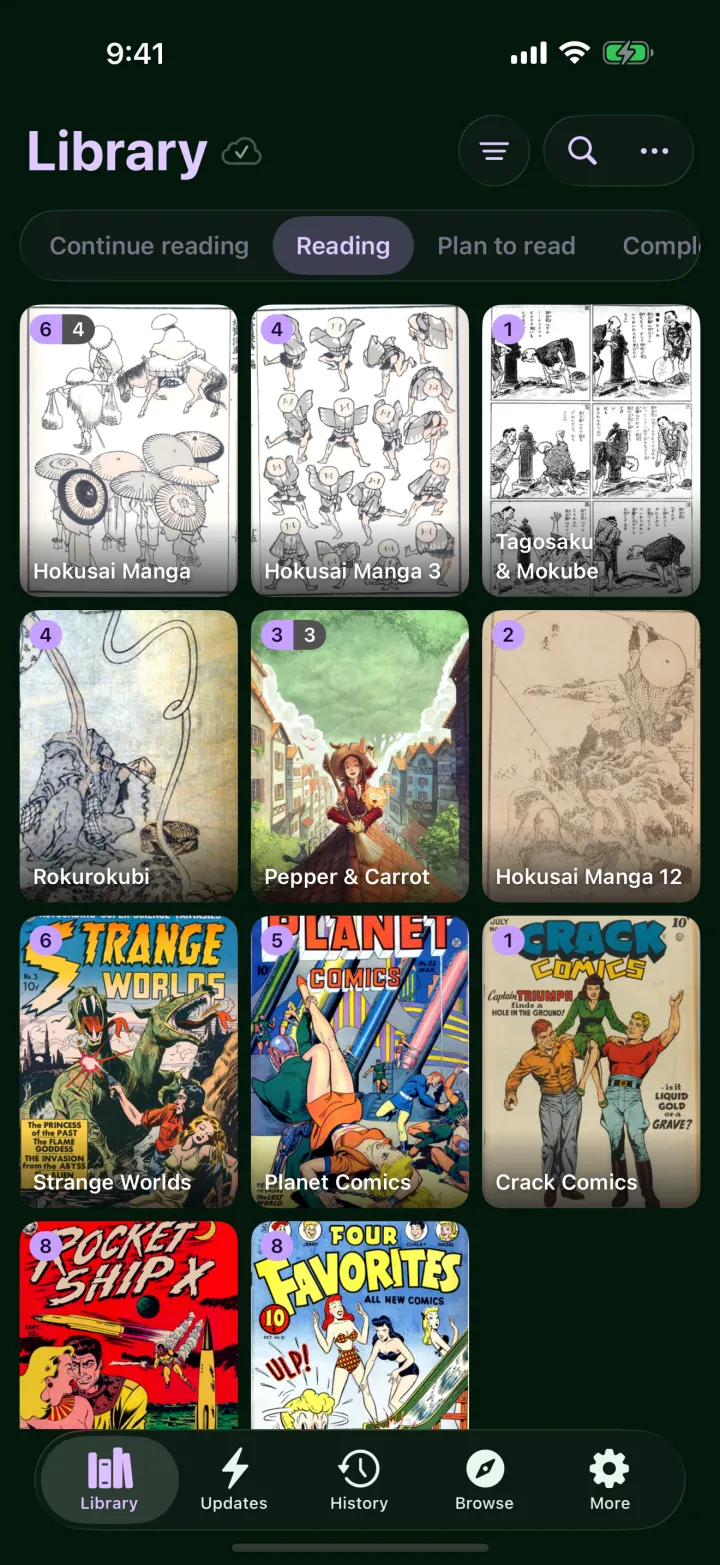
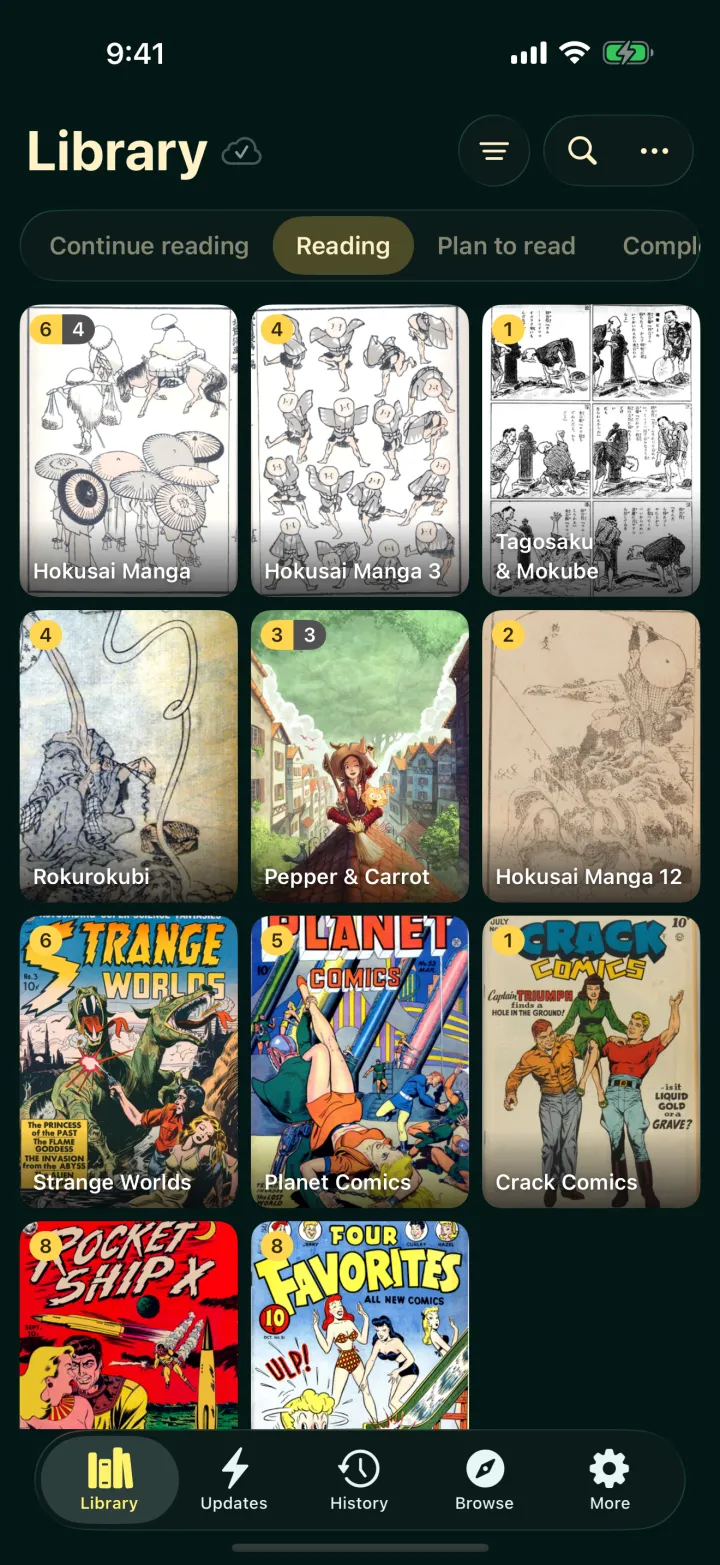
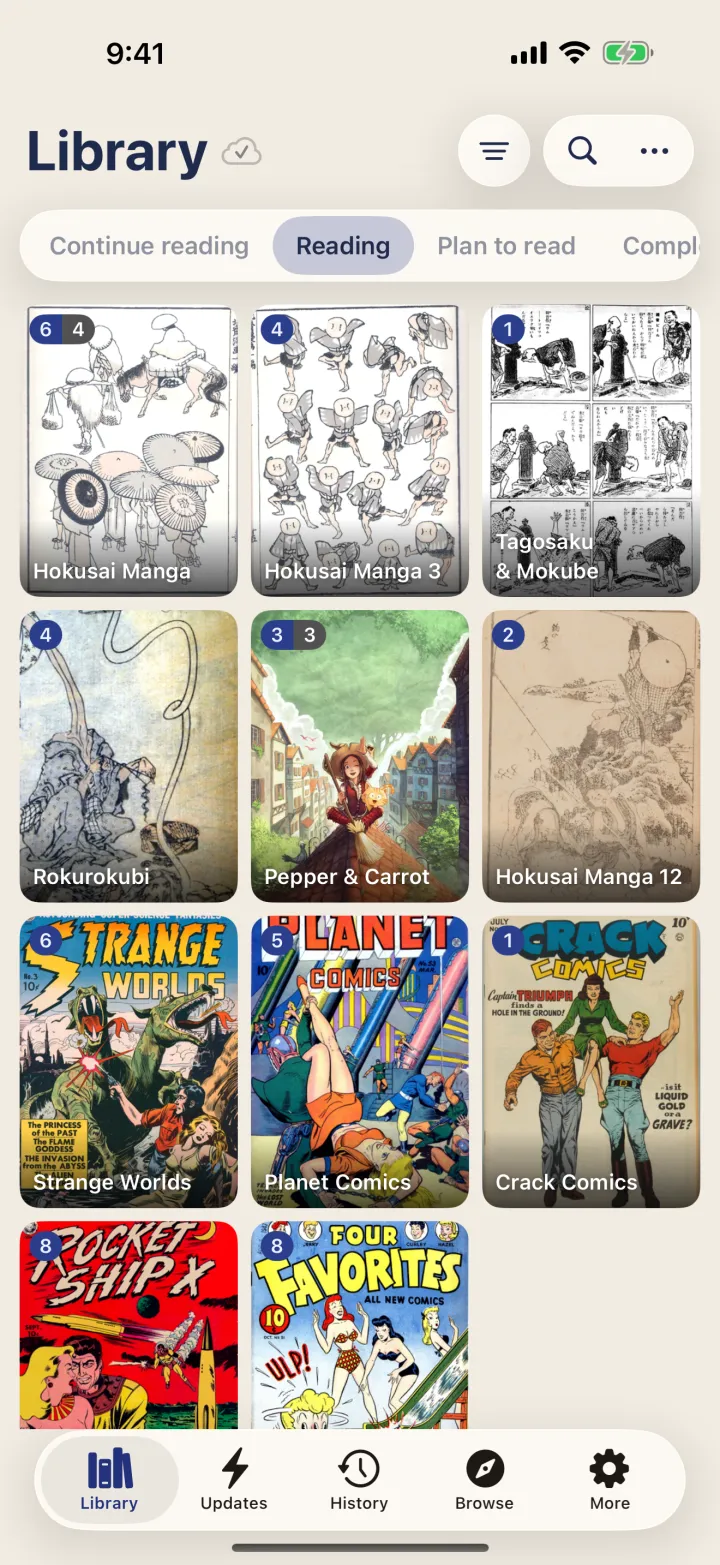
The reading cat is free. Ten more come with Plus, each with Liquid Glass, dark and tinted looks, and each one plays its own colors in the launch animation.











And everything around it
Continue Reading, New Chapters, Reading Streak and Shelf on the Home Screen, themed like the app.
Library, progress, bookmarks and settings, through your own private iCloud. No sign-in, no server, nothing for us to hold.
An open book with page curl on iPad, and on any Mac with Apple silicon. Wide pages stay whole, and the cover sits alone.

Progress goes to the services you already use, as you read.
Download chapters and read on a plane. New chapters can download themselves.
Time spent, streaks, your last 30 days and the series you read most.
Written in SwiftUI for iOS 26, with the same care on iOS 18. It feels like it shipped with your iPhone.
The whole app, switched live from More, without a restart.
App lock, an incognito switch that pauses history and tracking, and haptics you can tune.
Your shelf, your books
Bokumi comes as an empty, well-lit shelf, with no manga of its own. Fill it with what you own, from wherever you keep it. Bringing your books in is always free.
CBZ, ZIP, picture-based EPUB and folders of images, from the Files app, AirDrop or a drag on iPad. A folder becomes a series, and every volume inside it a chapter.
Keep your collection on a computer or NAS? Add the extension for your server and read your whole collection from the sofa. With Plus, your progress syncs back to it.
Install an extension from a file or from a repository you trust, or write one yourself in an afternoon. Each runs in its own sandbox. Bokumi ships with none.
Coming from another reader app? Restore its backup, and your series, progress and history come with you.
How to bring your booksPrivacy
Your library, progress and downloads live on your device. If you turn on sync, they travel through your own private iCloud, which Apple encrypts and which counts against your iCloud storage, never ours. Passwords and tracker tokens stay in the iOS Keychain and are never backed up or synced.
Bokumi Plus
Browsing, your library, every reading mode and light or dark mode never need Plus. One purchase unlocks everything else, now and later.
$0.99/ month
Cancel any time in Settings.
$10/ year
Less than a dollar a month.
$20once
Pay once, keep it.
US prices in USD; other regions see local prices in the App Store. Subscriptions renew until cancelled, and all sales are final. Everything in Plus
A cozy manga and comics reader for iPhone and iPad: a shelf, a calm series page, five reading modes, themes, widgets and sync. It is a reader app, like a web browser for your books: it hosts nothing and comes with no manga, comics or sources of its own.
Import CBZ, ZIP, EPUB files or whole folders from the Files app, read from a server you run at home, or add a source you set up yourself. The bring your own books guide shows every way.
What you own or have the right to read: books you bought without copy protection, your own work, the public domain, and what creators share freely. Bokumi does not condone piracy, and our terms forbid it.
Reading is free, and so is bringing your books in. Bokumi Plus adds themes, widgets, sync, downloads, tracking, automatic backups and more. All sales are final.
iPhone and iPad on iOS 18 or later, and Macs with Apple silicon through “Designed for iPad”. Liquid Glass shows up on iOS 26. Android: Coming soon.
No ads, no analytics, no account. Your shelf lives on your device, and sync goes through your own private iCloud.
A cozy reader for iPhone and iPad. Free to read, with Plus when you want the rest.
Android: Coming soon